Your plan is only as good as the data behind it.

Every plan, forecast, and close starts the same way: pulling numbers from systems that don’t talk to each other, on different schedules, in different formats. By the time the data is ready, it’s already behind.

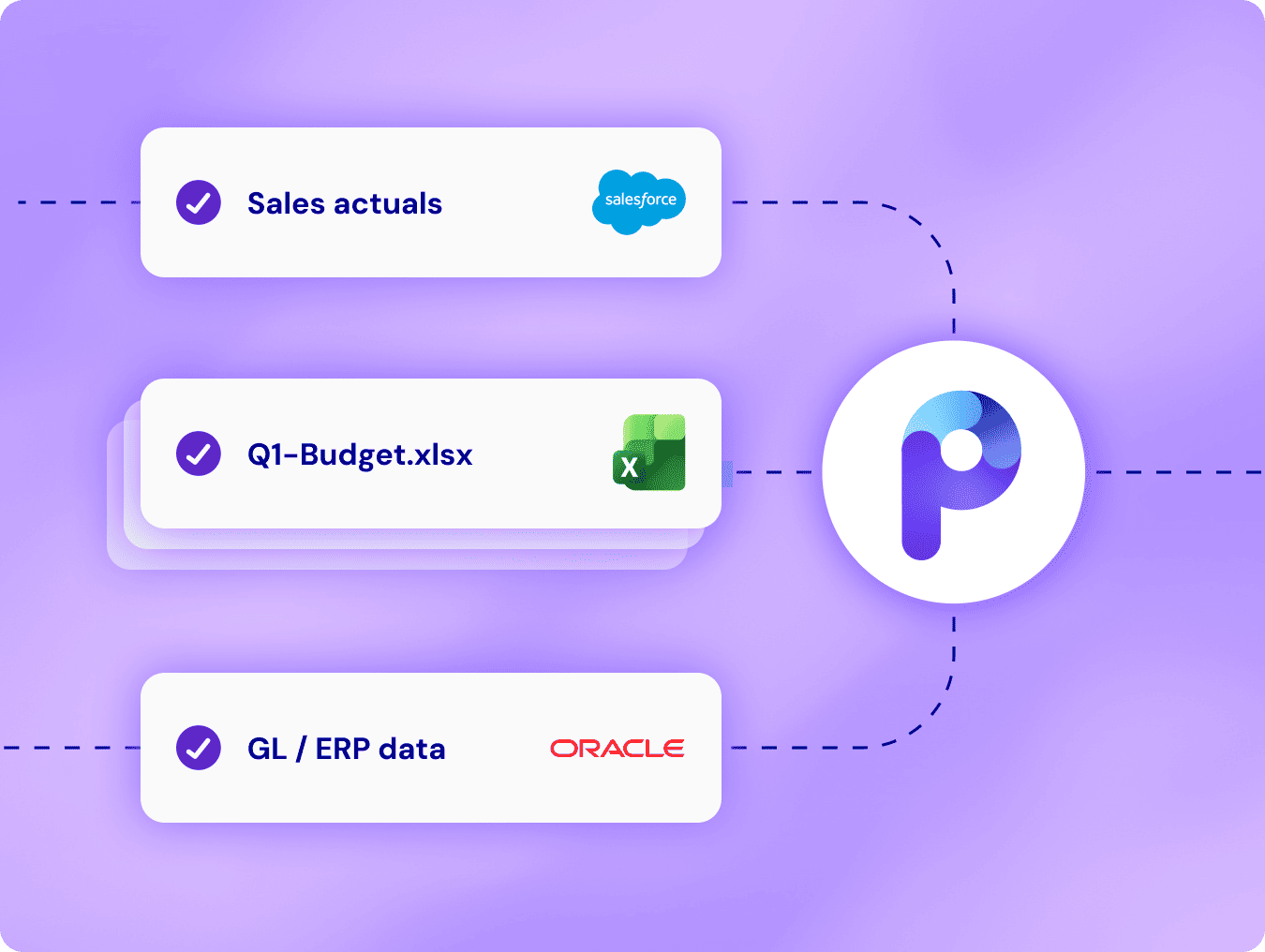
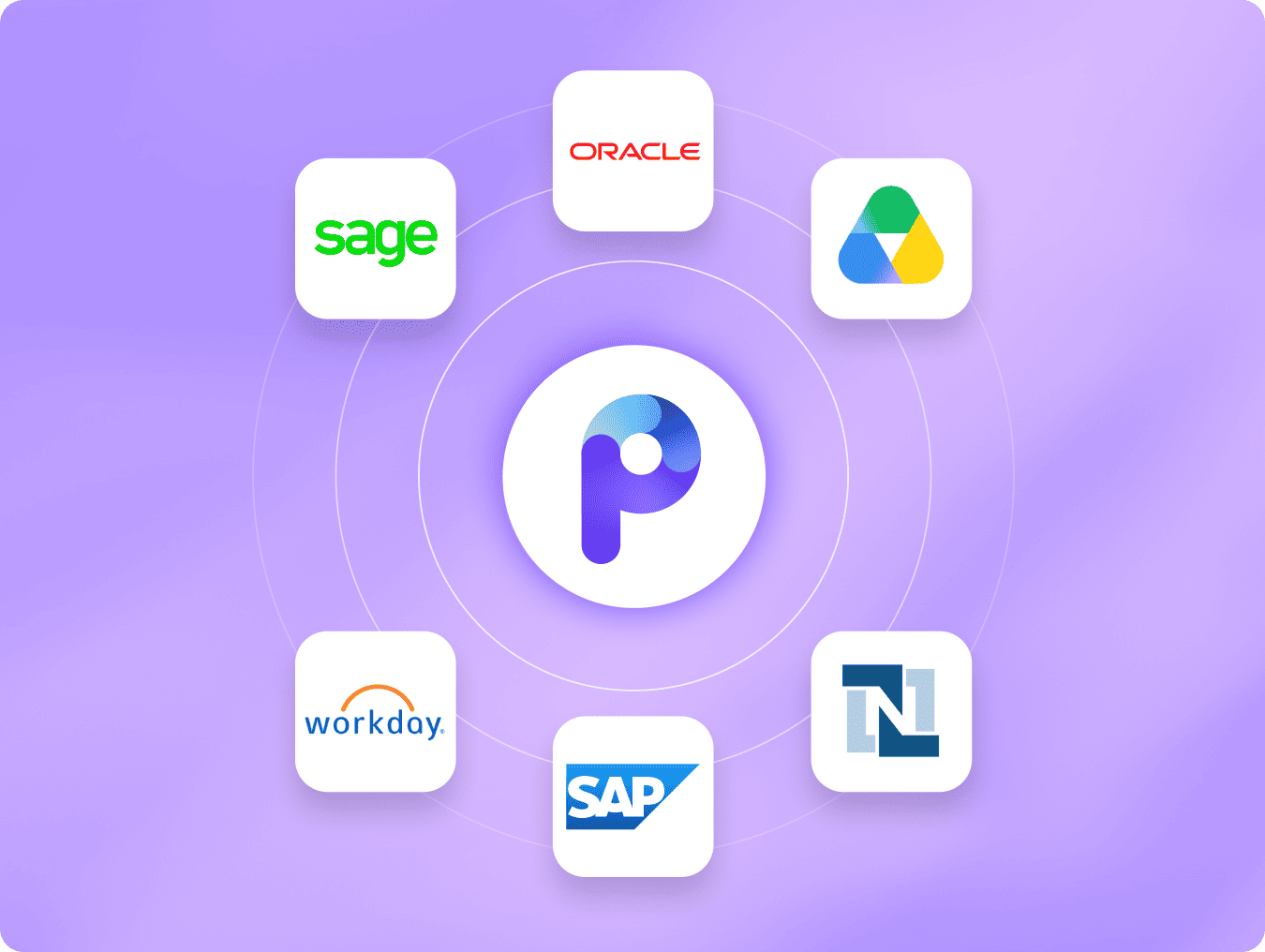
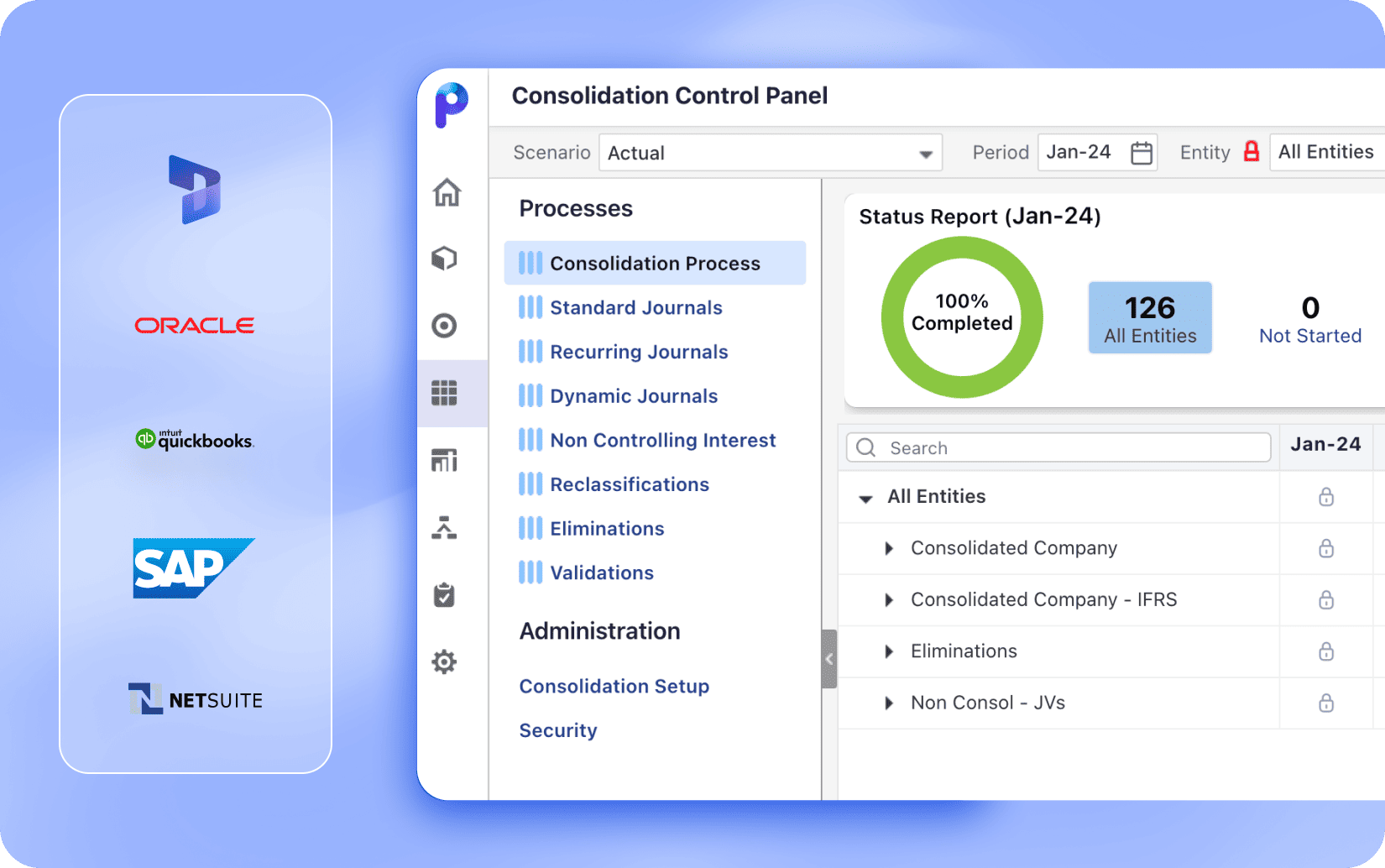
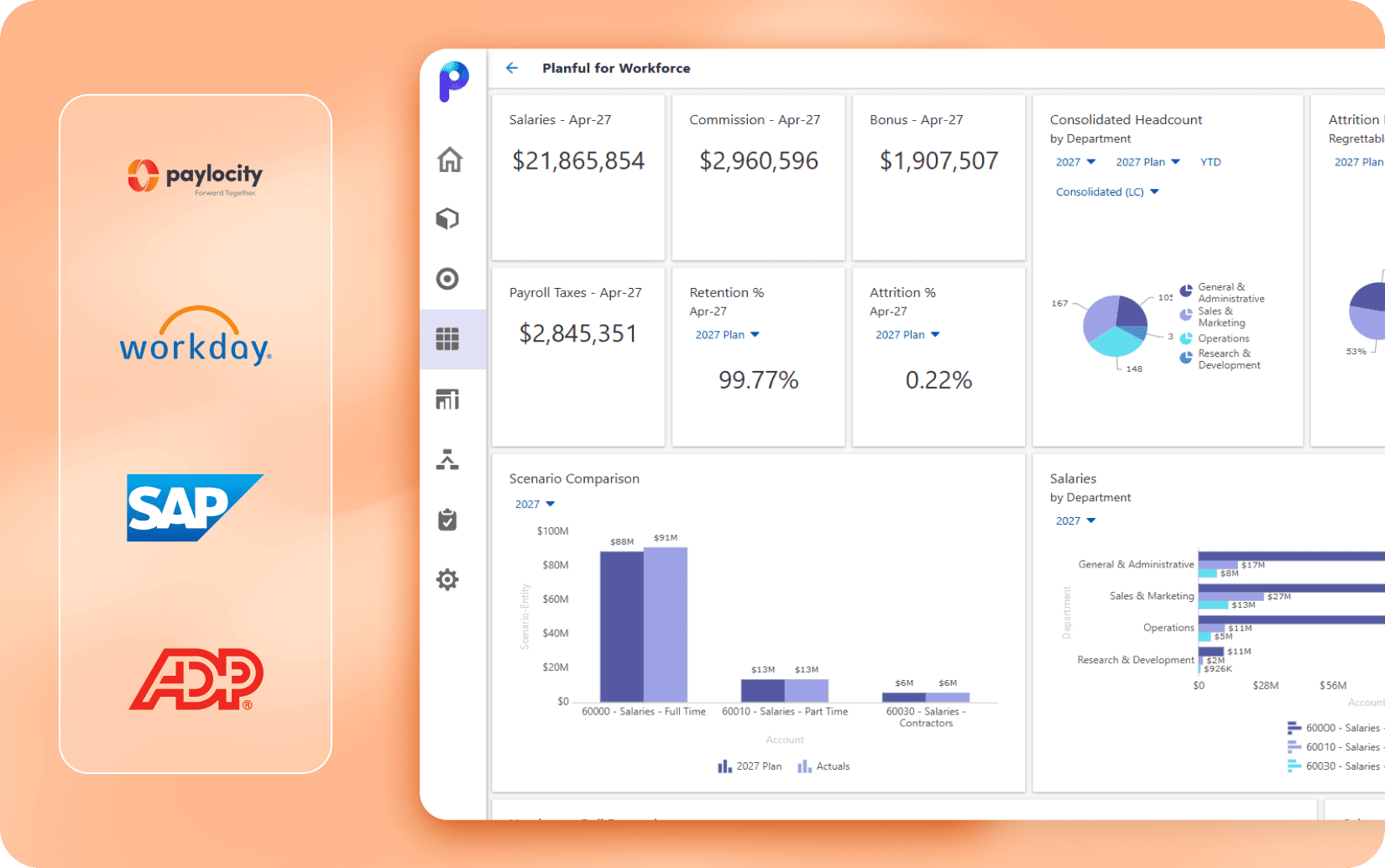
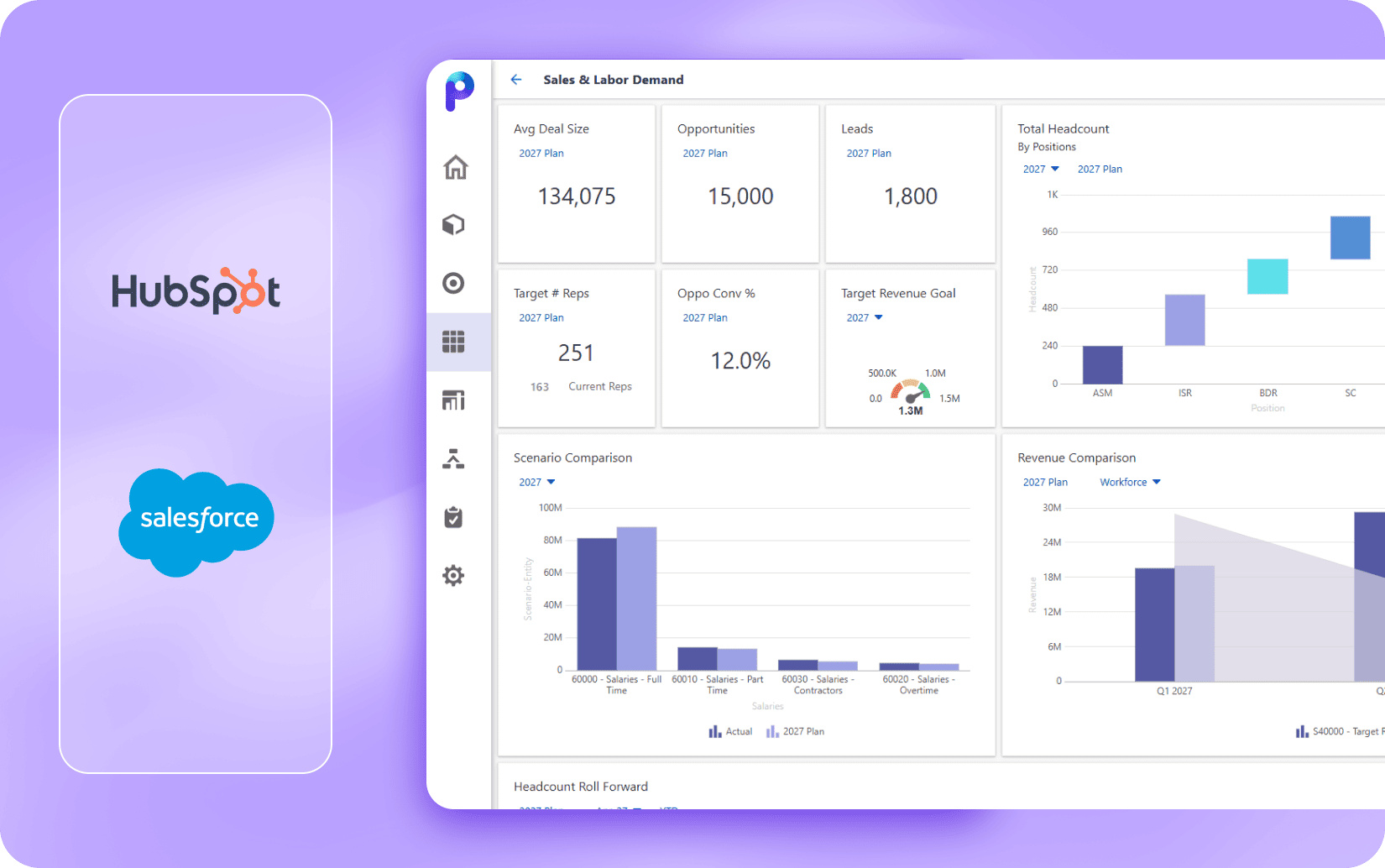
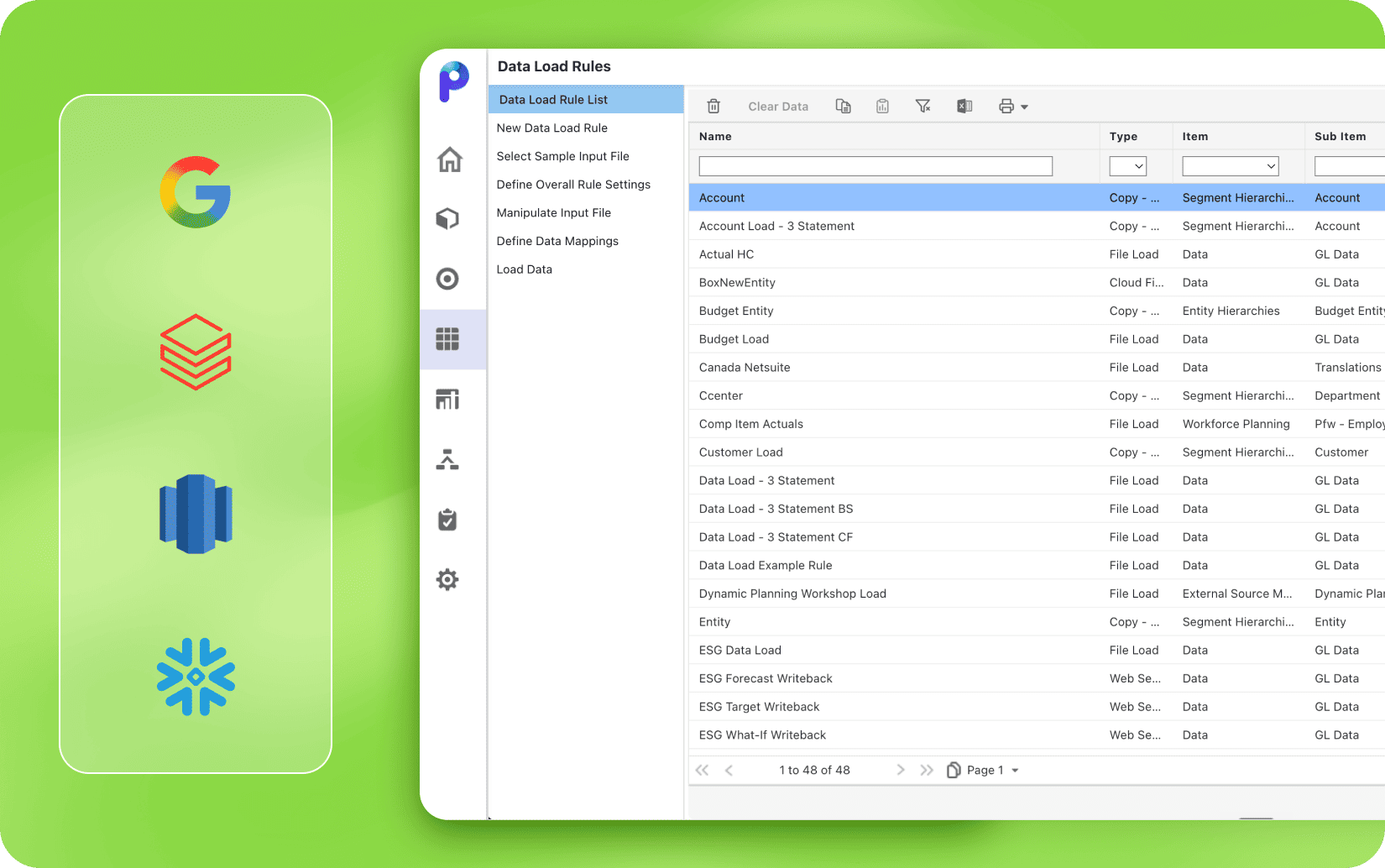
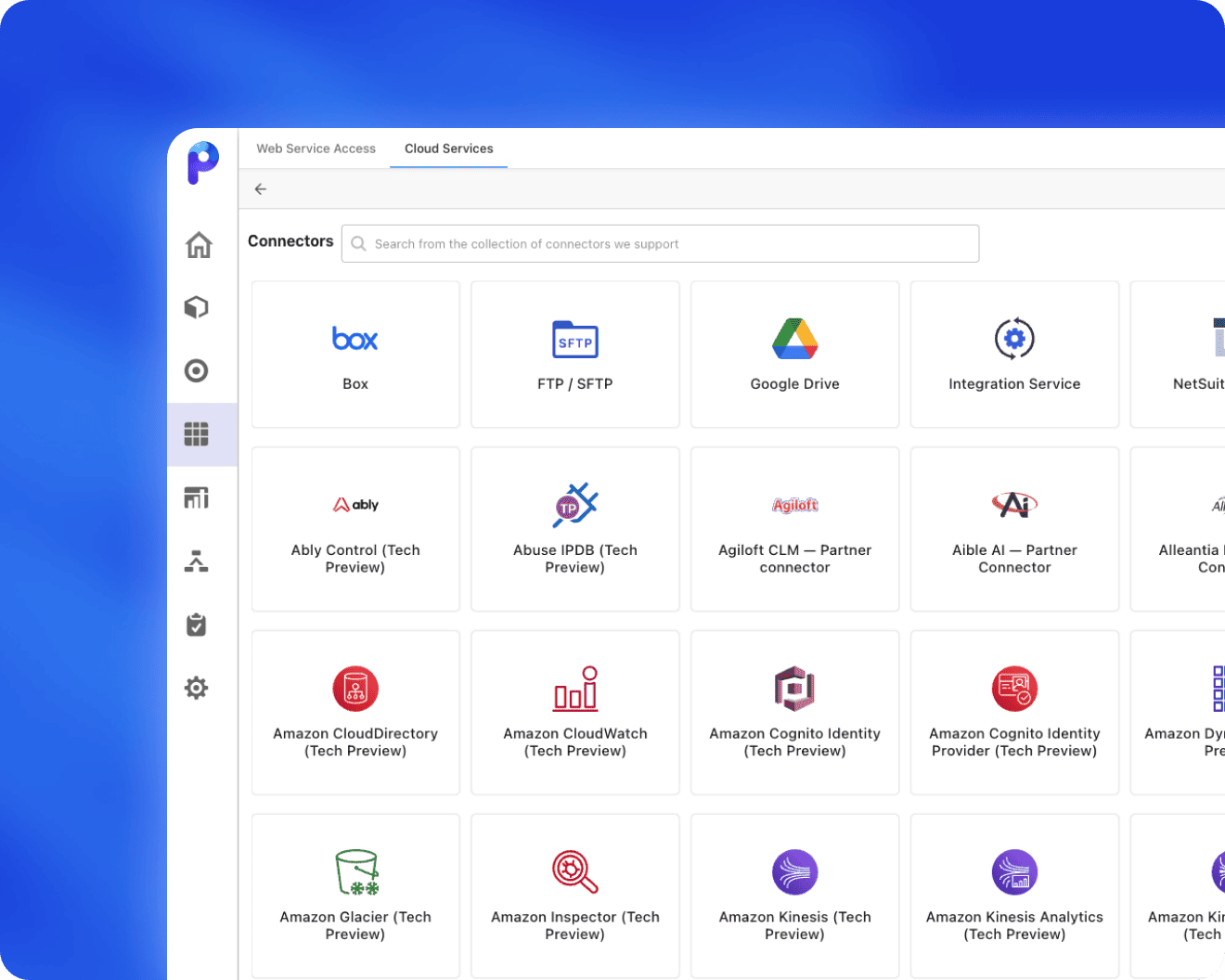
Planful connects your source systems and keeps data moving automatically.

Image

Why teams love Planful integrations

Thousands of connectors. No data limits. Up and running in hours.

From set up to go live on the same day

From set up to go live on the same day

Most integrations are live in hours, with field mappings finance controls from day one that Finance owns without waiting on IT.

Finance-specific connectors

Finance-specific connectors

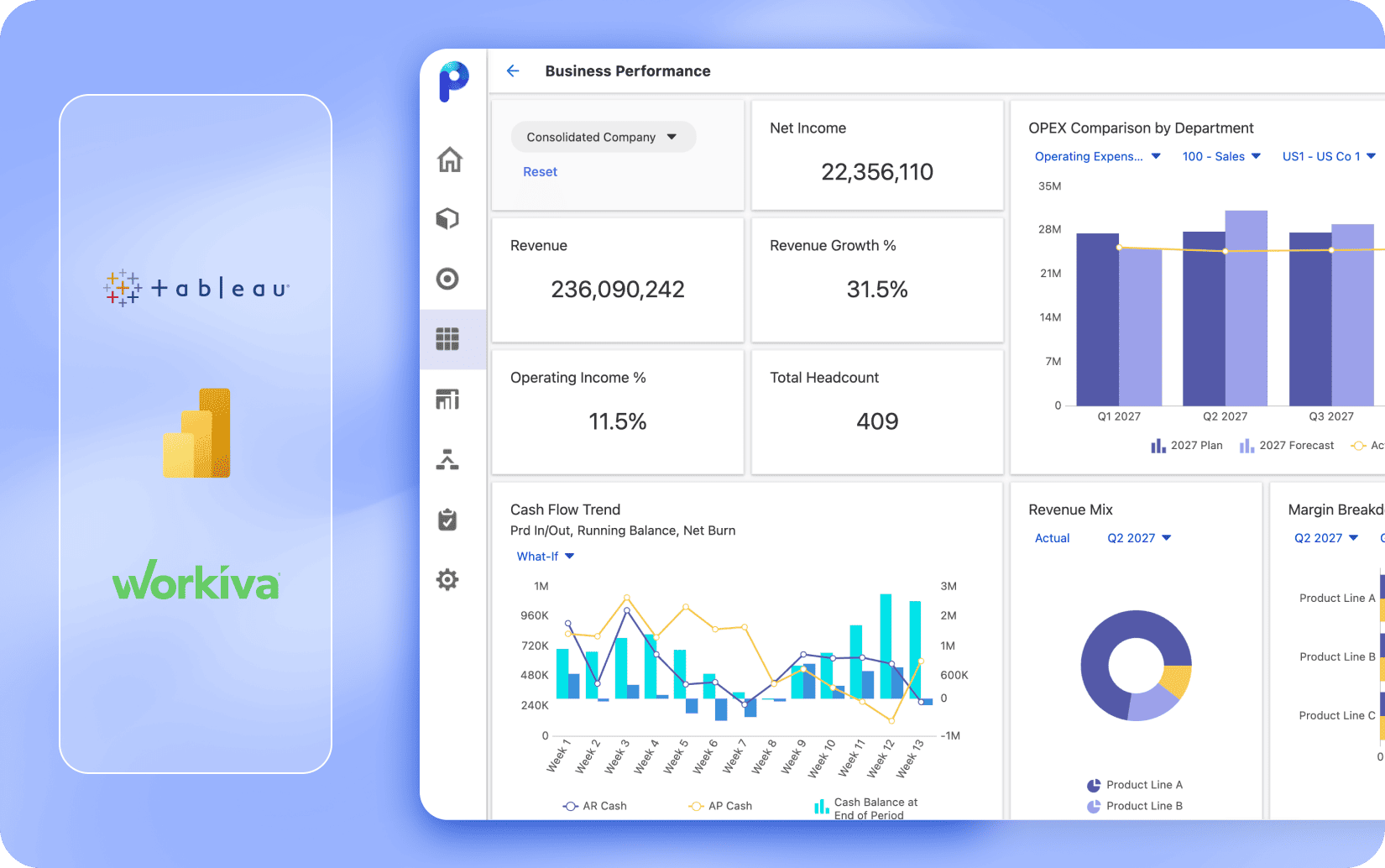
NetSuite, Power BI, Snowflake connectors are built for finance workflows, with field mappings that match how finance teams actually use these systems.

The board pack that updates in a few clicks

The board pack that updates in a few clicks

Planful Spotlight keeps your Microsoft 365, Excel, PowerPoint, and Word files connected to Planful. One click refreshes everything and your board pack or weekly update are always ready to go.

No caps on sources, volume, or entities

No caps on sources, volume, or entities

Configure the schedule once, and Planful runs the data loads on time, every time. GL data, Payroll syncs, and pipeline flow without manual intervention.

Discover more about Planful integrations

See how Planful handles data integration by connecting source systems to automating data flows and sending results where your team needs them.

Banner image 1

Frequently asked questions

Planful supports financial software integration through thousands of pre-built connectors, RESTful APIs, and low-code automation options. Teams can easily connect cloud and on-premise systems, automate data flows, and keep information in sync across planning, reporting, and analytics workflows.

Discover our resources

Get started with Planful