 Back to Solution Hub







Built for everyone in the planning process
Budget Managers

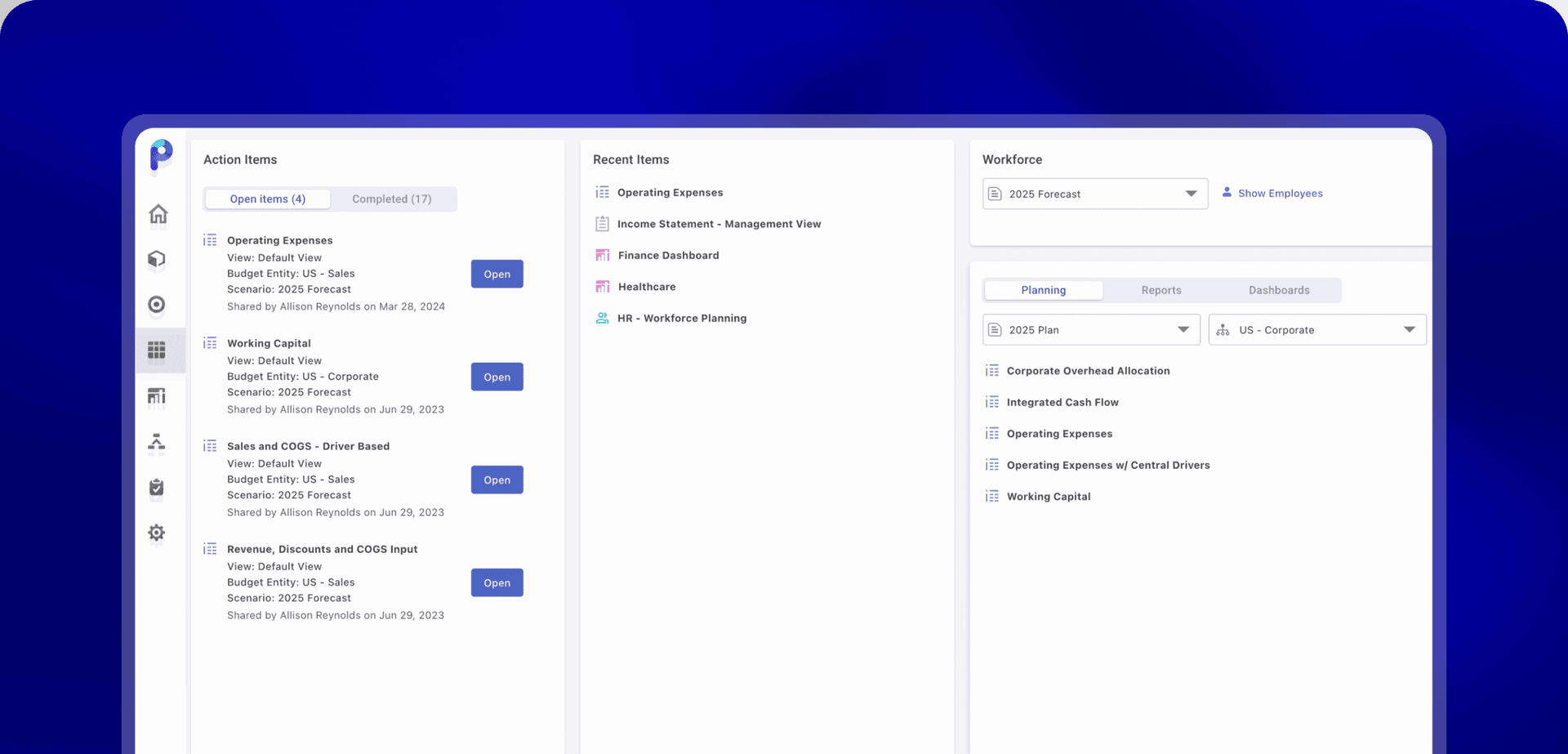
A homepage built for their job
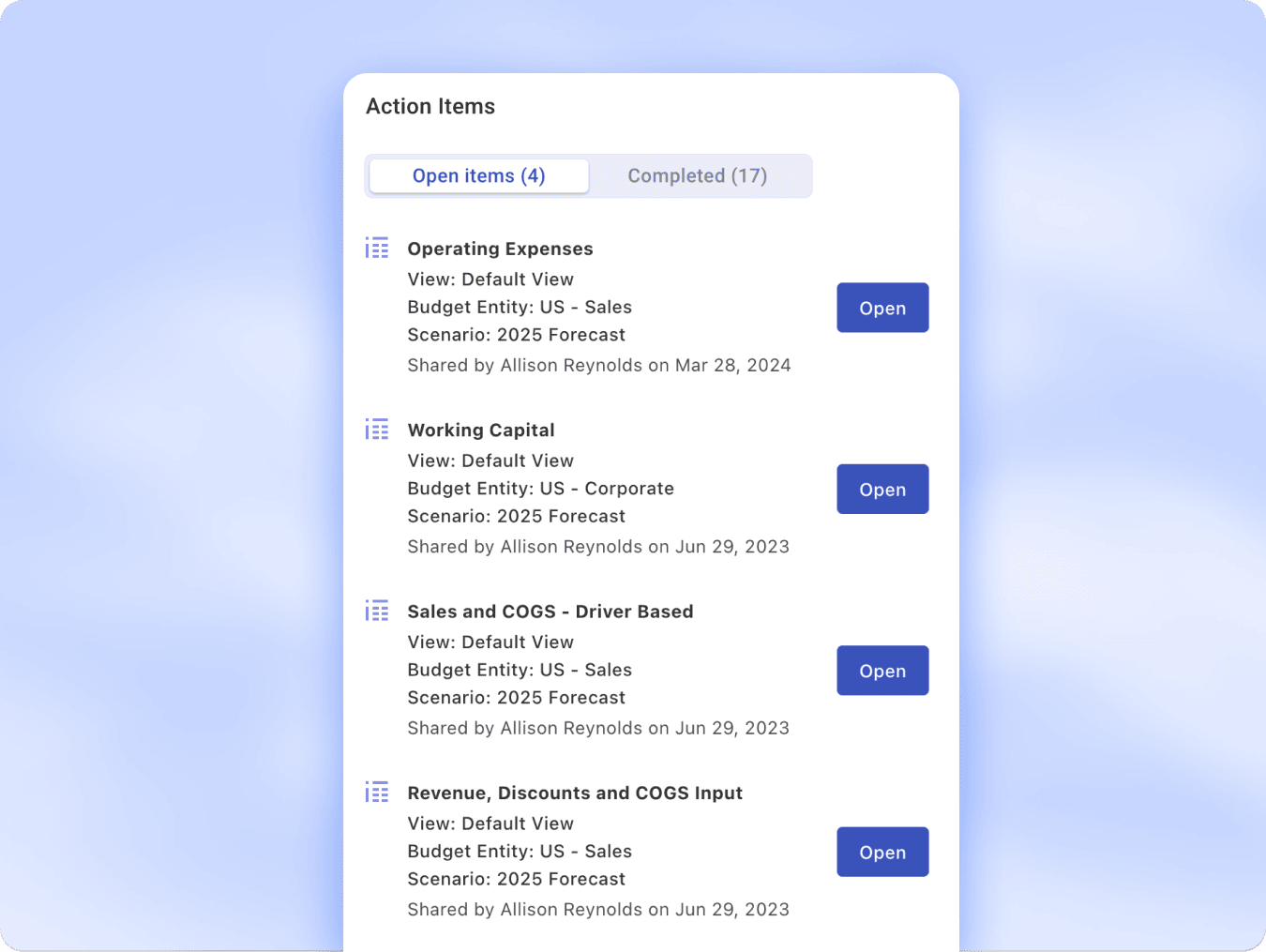
See assigned budgets, pending tasks, and deadlines in one place. Budget managers log in and know exactly what they need to do, without navigating tools built for finance.

Focused visibility and task management
Planful surfaces only the input templates each manager is responsible for. They submit data in a structured form. No financial configuration. No access to what isn't theirs.

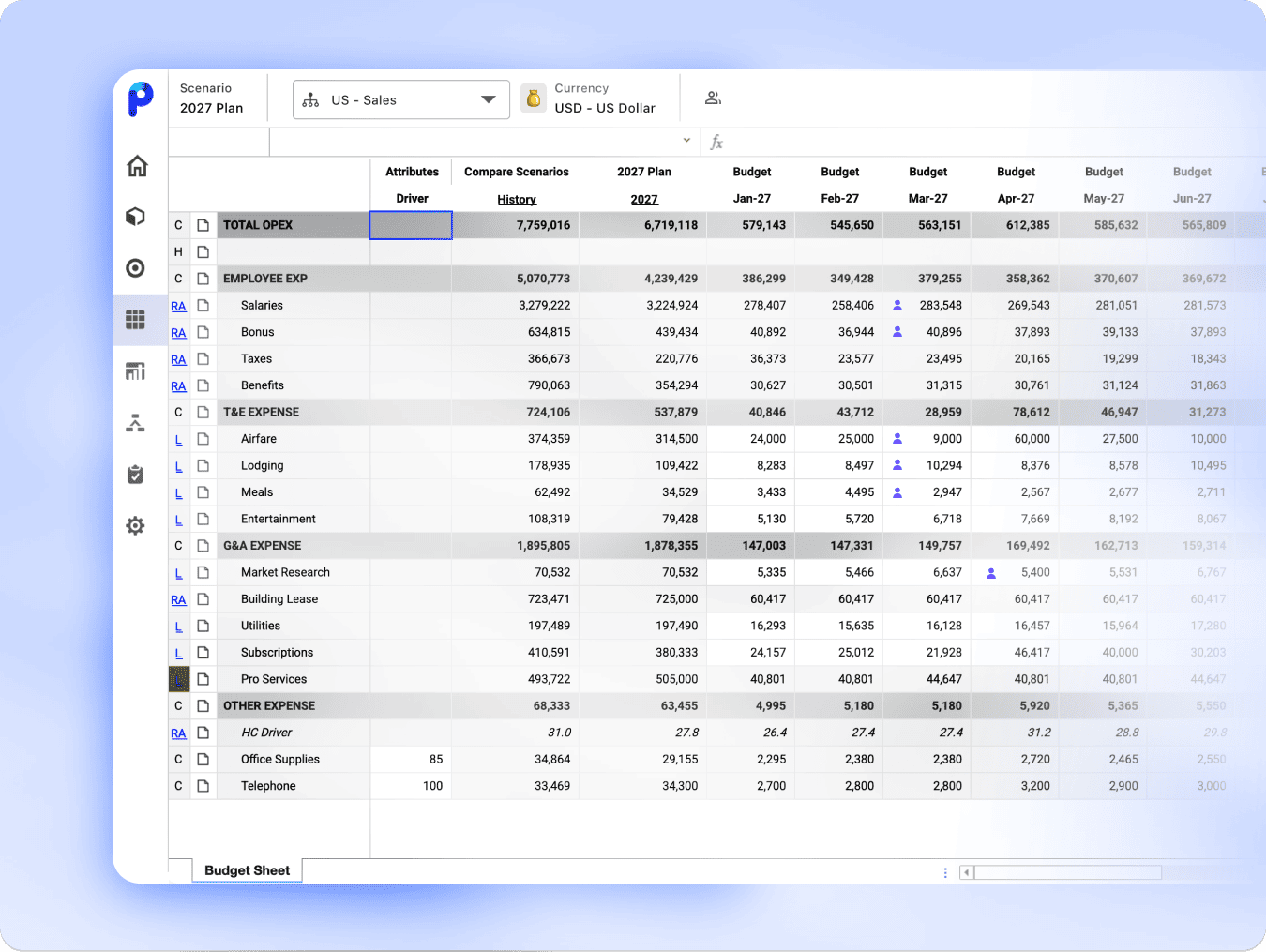
Comment and collaborate directly in the budget
Budget managers can leave notes, flag questions, and respond to finance comments inside the same template they're working in. Finance sees everything in context. No email threads. No version confusion.
Finance Teams

Budget managers up and running fast
The experience is simplified by design. Non-finance users get a clean interface scoped to their templates. Finance sets the structure; managers work within it.

Full visibility into every submission
See who submitted, what changed, and when. Every budget manager action is timestamped and logged, so finance has the audit trail it needs for review and compliance.

One planning process across every department
When budget managers work in Planful, their inputs flow directly into the consolidated financial model. No spreadsheet collection. No manual consolidation. The plan builds as submissions come in.
How to set up Budget Manager Experience
1. Set up budget managers
- Navigate to Maintenance > Admin > User and Role Management,
- Locate the user’s record, then change the support role to “Budget Manager”. That user will automatically gain access to the intuitive Budget Manager Experience view tailored to their permissions set in any templates shared with that user.
2. Share budget templates
3. Get budget managers involved
4. Keep your budgeting process moving
Give your budget managers a Planful experience
Stop chasing spreadsheets. Give budget managers a simple way to submit their inputs directly so Finance reviews a complete plan, not a hundred email threads.

 Shore Capital exclusive event - Oct 15 @ [X:XX] AM ET: What Every Finance Leader Should Know About PE Reporting

